


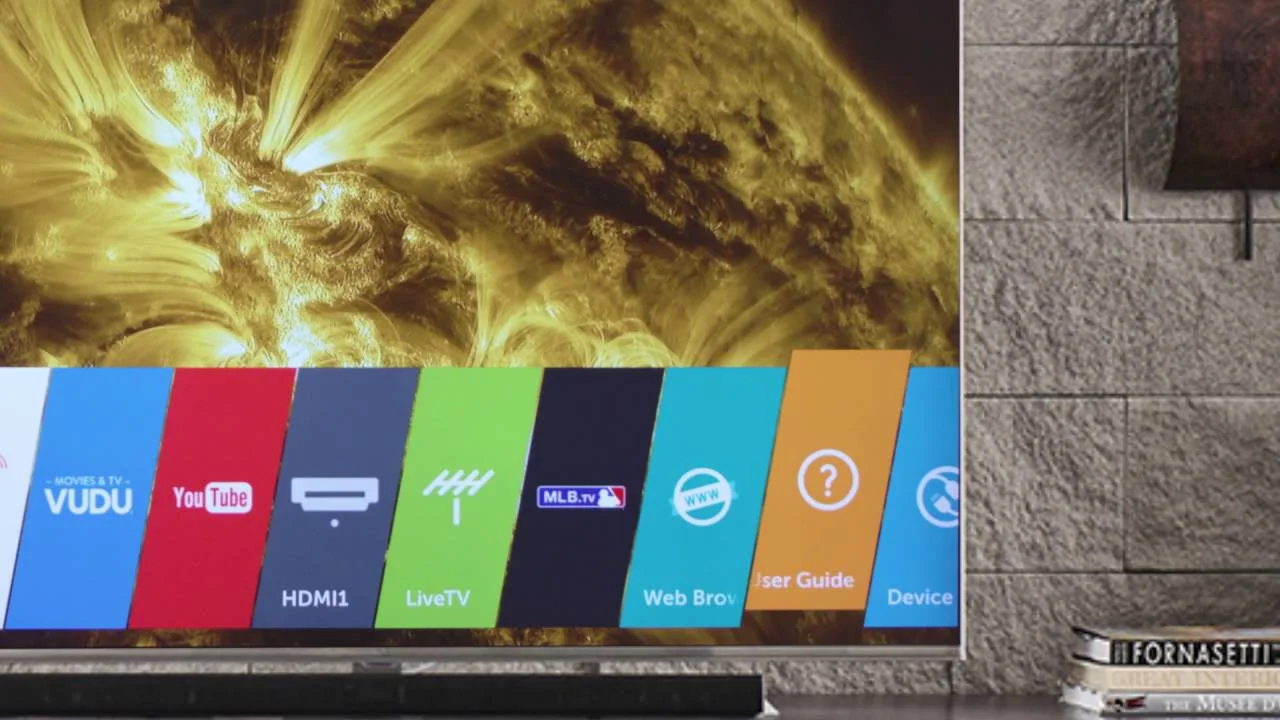
LG Smart TV Setup
Complete guide to install IBO Player Pro on LG Smart TV
Step 1: Prepare LG TV
Set up your LG Smart TV and ensure internet connectivity
Enable developer mode on your LG Smart TV
Step 3: Install Development IDE
Install webOS TV IDE or ARES CLI on your computer
Step 4: Prepare IBO Package
Download and prepare the IBO Player package
Phase 1: Download
Phase 2: Configuration
Step 5: Connect and Install
Connect your LG TV and install the app
Step 6: Launch IBO Player
Launch IBO Player from LG Content Store
Step 7: Configure Settings
Configure IBO Player settings for optimal performance
Method: URL Playlist
Enter your playlist URL
Method: File Upload
Upload playlist file
webOS Features
Maximize your webOS experience
Magic Remote
Point-and-click navigation with voice control
AI ThinQ
Smart home integration and voice control
Screen Share
Share content from mobile devices
Game Optimizer
Optimized settings for gaming
Magic Remote Guide
How to control IBO Player with Magic Remote
Basic Navigation
Pointer Control
Point the remote and move to navigate
Scroll Control
Scroll up and down to browse content
Home Button
Press home to return to main menu
Voice Commands
Troubleshooting
Common LG TV setup issues
Developer mode missing
Update your webOS to the latest version
TV not detected by IDE
Ensure both devices are on same network
App crashes frequently
Clear app cache and restart TV
Magic Remote not working
Re-pair the remote with your TV