


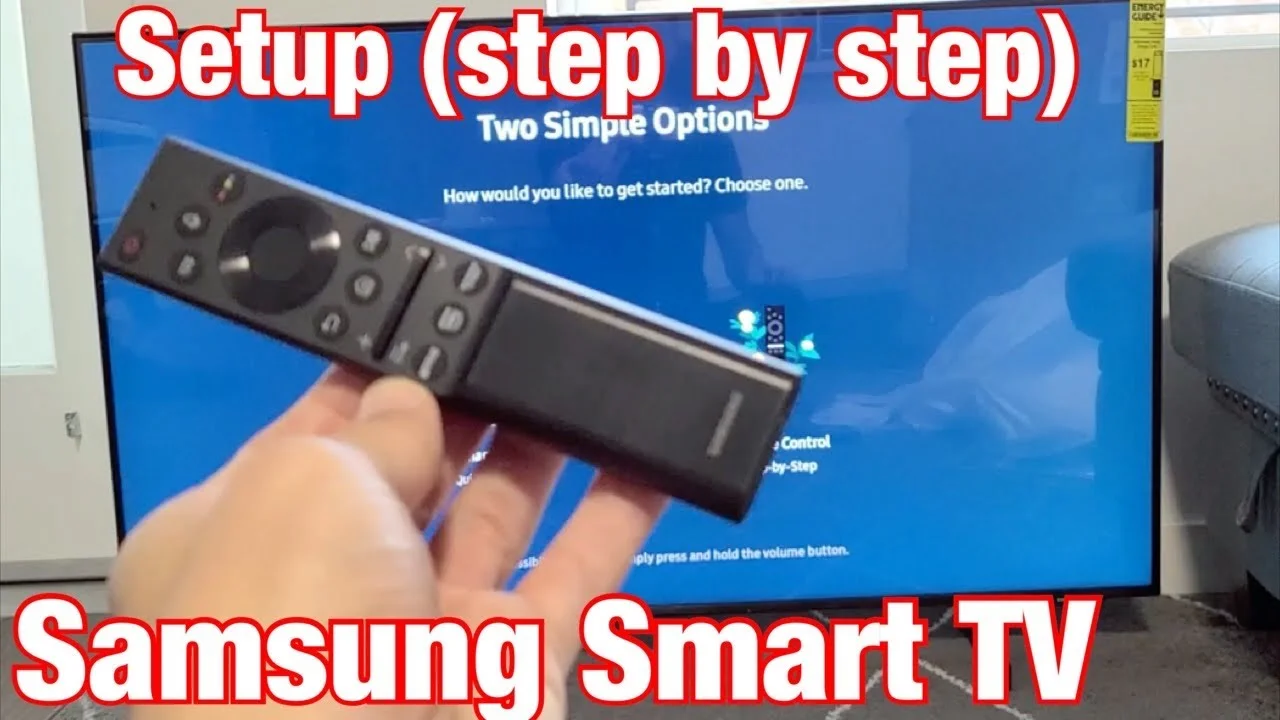
Samsung Smart TV Setup
Complete guide to install IBO Player Pro on Samsung Smart TV
Step 1: Prepare Samsung TV
Set up your Samsung Smart TV and ensure internet connectivity
Step 2: Enable Developer Mode
Enable developer mode on your Samsung TV
Step 3: Get Tizen Studio
Download and install Tizen Studio on your computer
Download Link:
Step 4: Install IBO App
Install IBO Player on your Samsung TV using Tizen Studio
Phase 1: Preparation
Phase 2: Deployment
Step 5: Launch IBO Player
Launch IBO Player from your Samsung Smart Hub
Step 6: Configure Playlist
Set up your IPTV playlist configuration
Method 1: Playlist URL
Enter your playlist URL directly
Method 2: File Upload
Upload playlist file from USB drive
Method 3: QR Scan
Scan QR code to add playlist
Step 7: Optimize Settings
Optimize Samsung TV settings for best performance
Picture Settings
- Picture mode optimization
- HDR settings configuration
- Color temperature adjustment
Audio Settings
- Audio output format
- Speaker setup
- Audio delay adjustment
Network Settings
- Internet speed test
- Wi-Fi signal strength
- Network type selection
Samsung Smart Hub Guide
How to navigate Samsung Smart Hub
Samsung TV Features
Maximize your Samsung TV experience
QLED Display
Vibrant colors and high contrast
Bixby Voice Assistant
Control your TV with voice commands
Smart View
Share screen from mobile devices
Game Mode
Optimized for gaming with low input lag
Troubleshooting
Common Samsung TV setup issues
Developer mode not found
Update your TV firmware to the latest version
Tizen Studio connection issues
Ensure TV and computer are on same network
App not installing
Check developer mode is enabled and try again
Channels not loading
Verify playlist URL and check network connection