


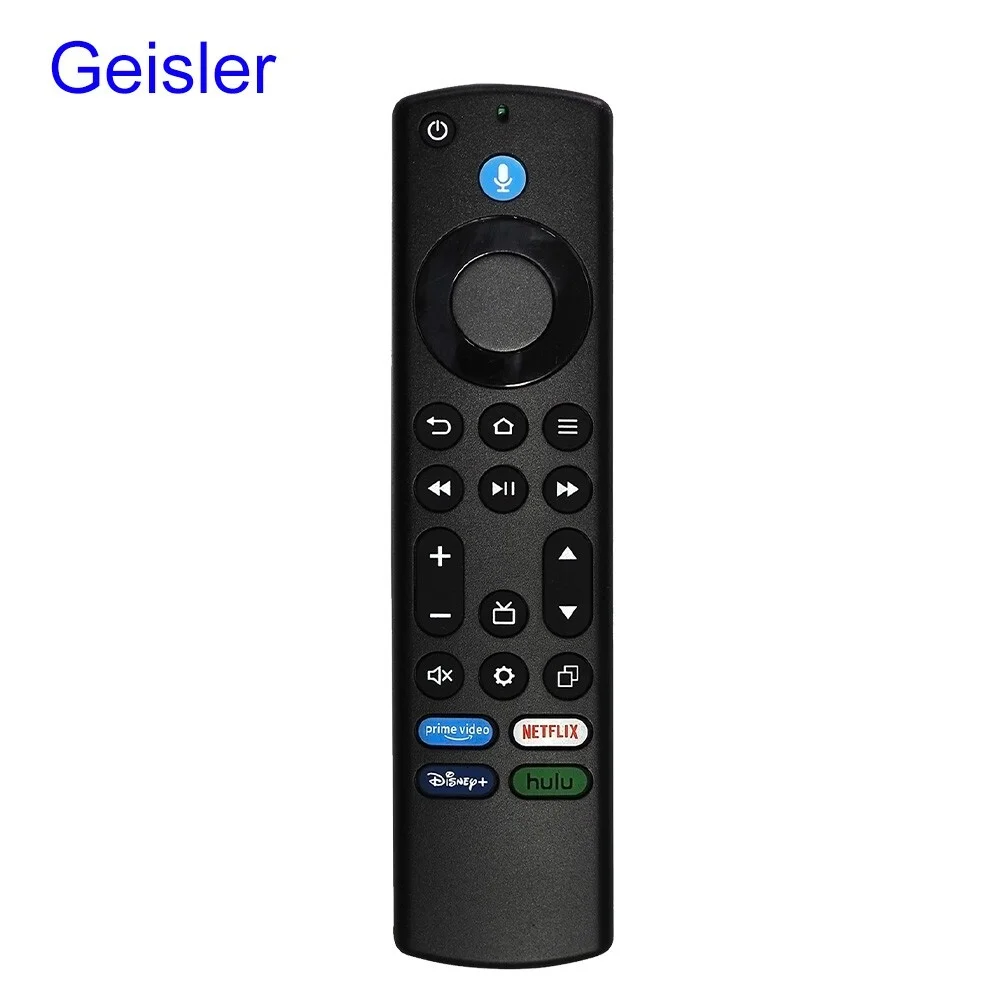
Configuración de Amazon Fire Stick
Guía completa para instalar IPTV Central Player en Fire Stick
Paso 1: Preparar Fire Stick
Configura tu Fire Stick y asegúrate de que esté conectado a internet
Step 2: Enable Downloader App
Install and enable the Downloader app from Amazon Appstore
Step 3: Allow Unknown Sources
Enable installation of apps from unknown sources
Step 4: Download IPTV Central Player
Download the IPTV Central Player APK using the Downloader app
Downloader Code:
6304201
Or direct download: https://iptvcentral.net/app/IPTVCentral.apk
Step 5: Install IPTV Central Player
Install the downloaded IPTV Central Player APK
Step 6: Configure Playlist
Set up your IPTV playlist in IPTV Central Player
Step 7: Start Watching
Begin enjoying your IPTV content
Fire Stick Optimization Tips
Tips to optimize your Fire Stick for better performance
Wi-Fi Signal Strength
Ensure your Fire Stick is close to your router for best signal
Restart Regularly
Restart your Fire Stick weekly to maintain optimal performance
Clear App Cache
Clear cache in Fire Stick settings to free up storage space
Audio Language
Set your preferred audio language in IPTV Central Player settings
Solución de Problemas
Common Fire Stick setup issues
Downloader app not found
Make sure you're searching in the correct app store
Installation blocked
Check that unknown sources are properly enabled
Channels not loading
Verify your playlist URL and internet connection
Remote not responding
Replace remote batteries or try pairing again