


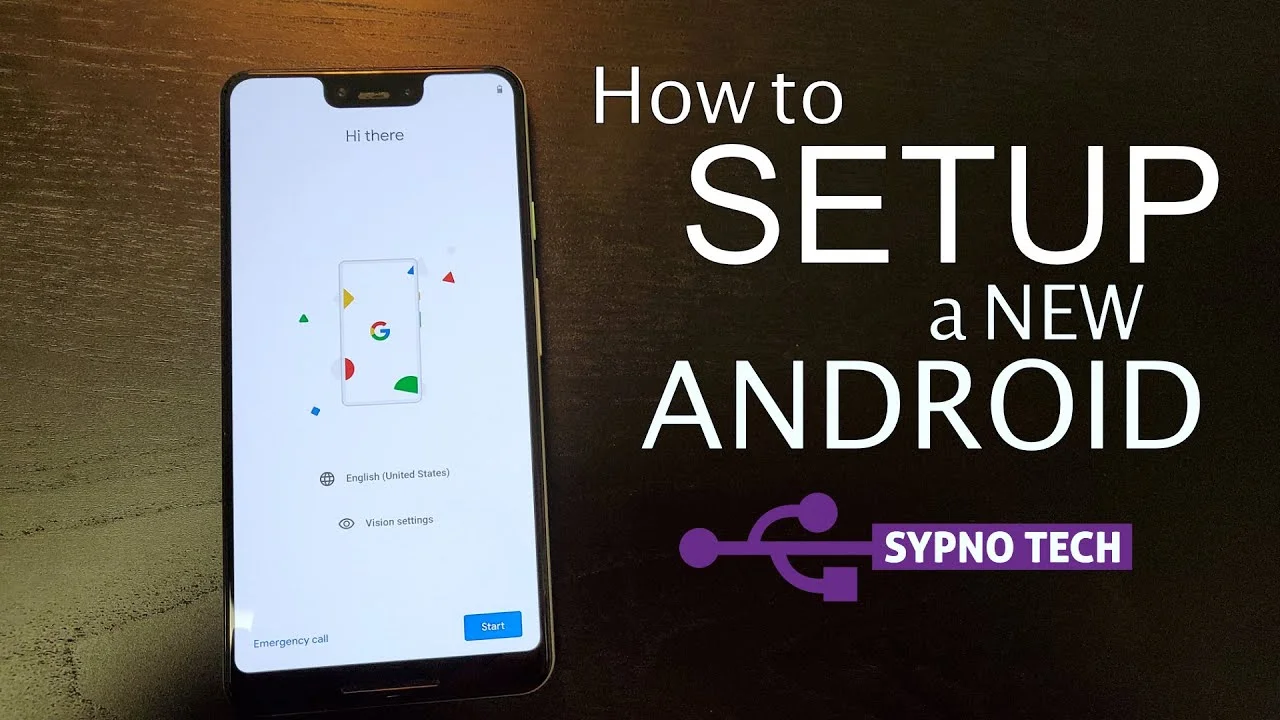
Android Device Setup
Complete guide to install IPTV Central Player on Android devices
Step 1: Download IPTV Central Player
Download the IPTV Central Player APK file from our official source

Step 2: Enable Unknown Sources
Allow installation of apps from unknown sources in Android settings
Step 3: Install the App
Install the downloaded APK file on your Android device
Step 4: Open IPTV Central Player
Launch IPTV Central Player and prepare to add your playlist
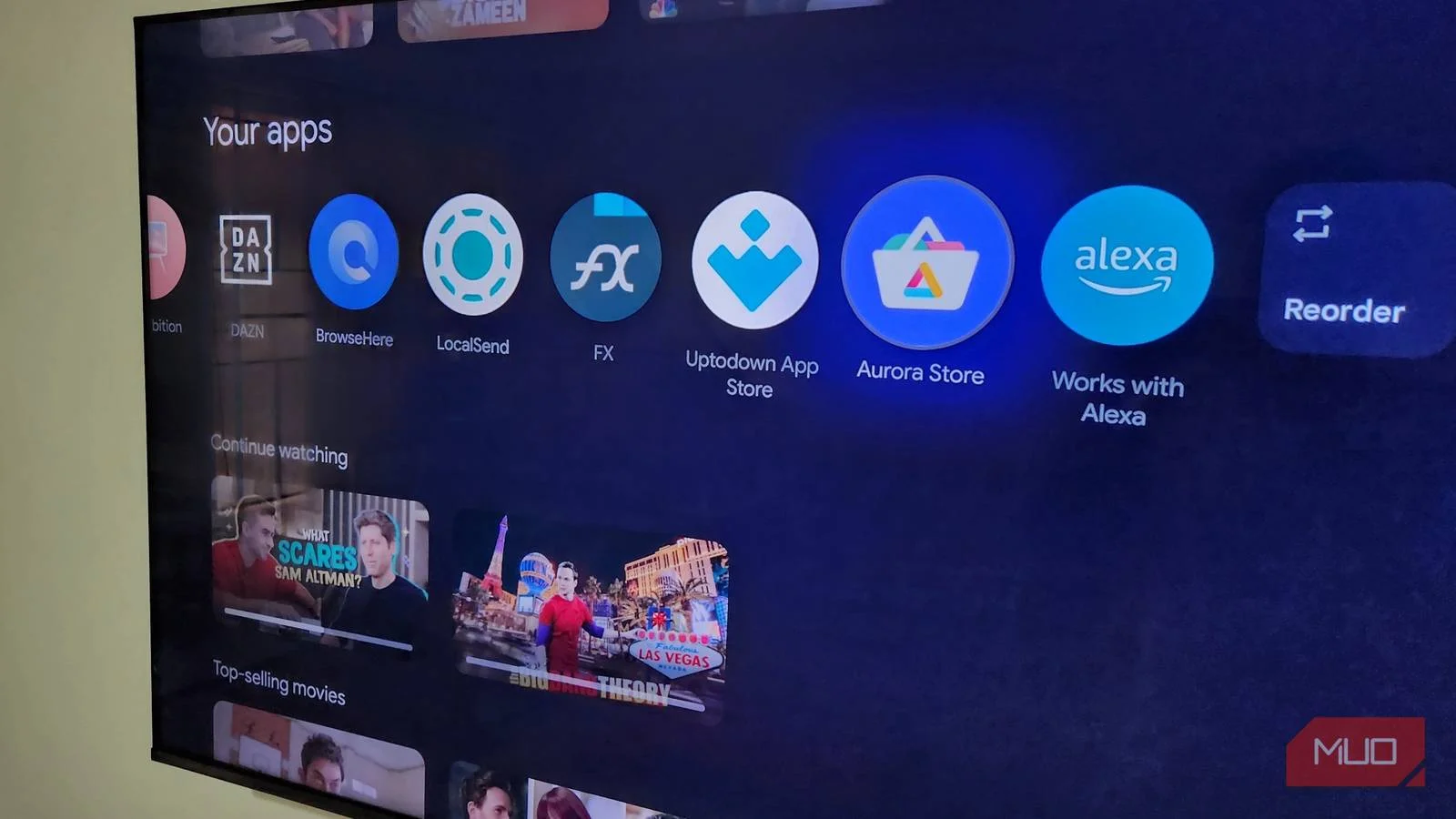
Step 5: Add Playlist
Choose how you want to add your IPTV playlist
Method 1: URL
Enter playlist URL directly
Method 2: File
Upload playlist file from storage
Method 3: QR Code
Scan QR code with your device
Step 6: Enter Credentials
Input your username, password, and server URL
Step 7: Start Streaming
Enjoy your favorite channels and content
Troubleshooting
Common Android setup issues and solutions
Can't install the app
Make sure 'Unknown Sources' is enabled in your Android settings
No channels loading
Check your internet connection and verify your credentials
Buffering issues
Ensure you have a stable internet connection and try reducing video quality
Slow loading times
Restart the app and check your internet speed